
How to Replace Boring Skies in Photoshop or Luminar
Picture this: you’ve embarked on the photo trip of a lifetime, armed with all your camera gear, ready to capture the beauty of a far away land. However, Mother Nature […]
Picture this: you’ve embarked on the photo trip of a lifetime, armed with all your camera gear, ready to capture the beauty of a far away land. However, Mother Nature […]
Since I’ve been doing more digital art lately, I’ve really come to appreciate how easy it is to remove backgrounds using Topaz Mask. Of course, you can remove a background
There was a time when I only ever used the soft round brush in Photoshop to paint on a layer mask to define where I wanted a particular effect to

Do you ever have a photo that you really like, but you want it to be a little … more? Or maybe you just want another version of the image
When it comes to post-processing, my goal is usually to enhance a photo’s best qualities while maintaining a natural look. After all, nature is stunning just as it is! But
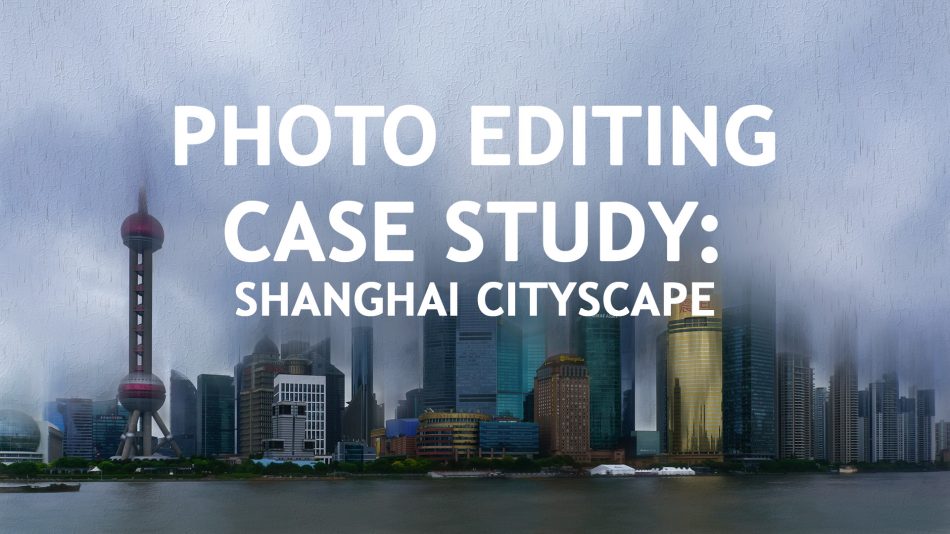
I’m not big on cities. But photographing cityscapes makes it all worthwhile! And Shanghai must have one of the prettiest skylines I have ever seen. When I visited China a
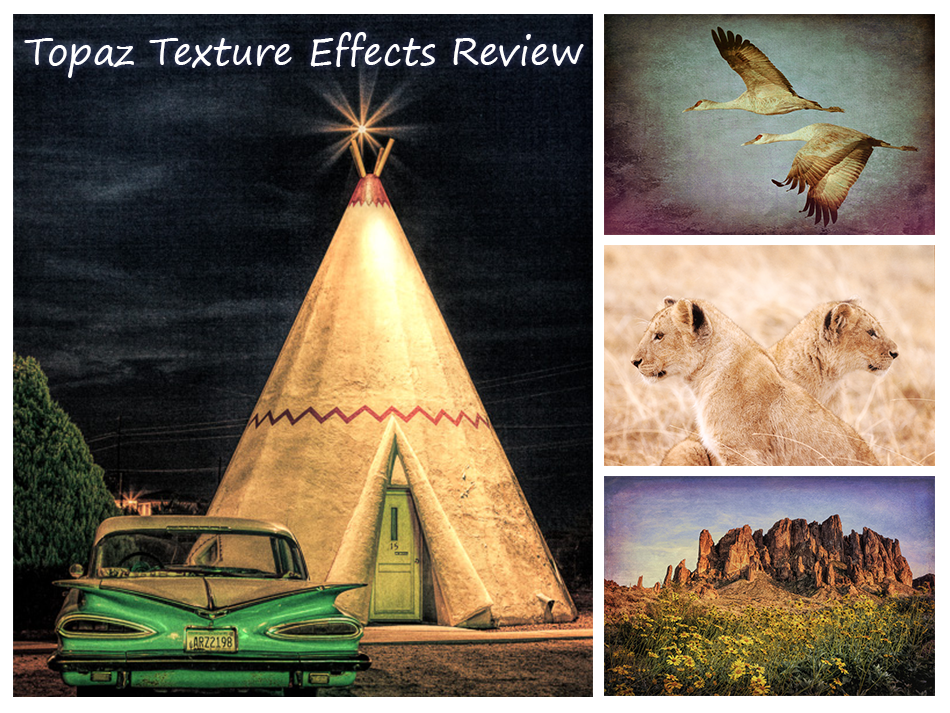
Topaz Labs has just come out with a new product, and it might just be their best one yet. Which is surprising given how much I like Clarity and ReStyle.
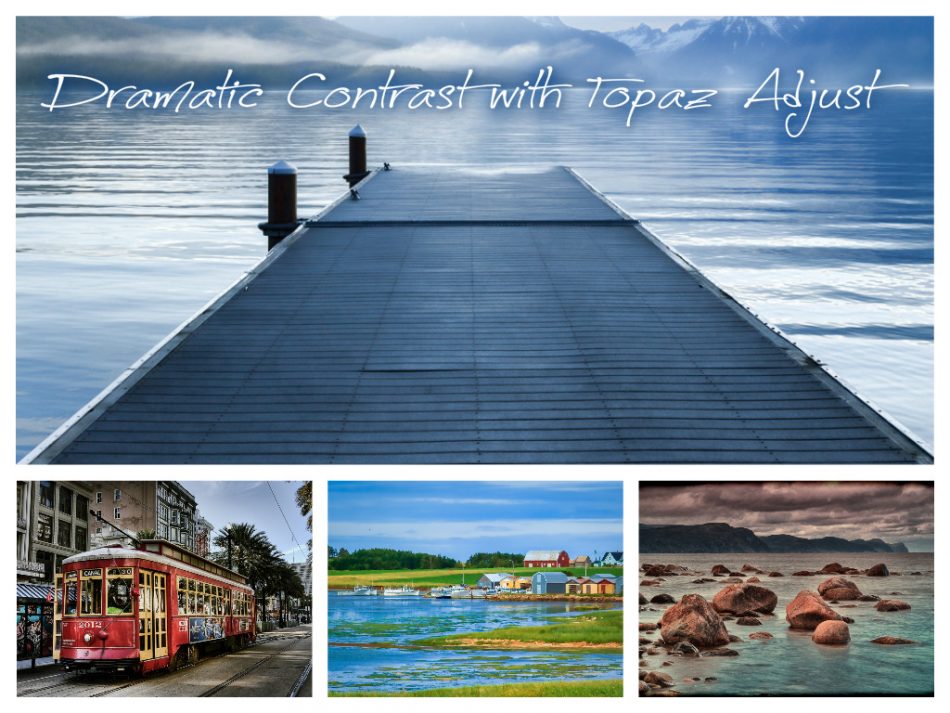
Topaz Adjust is the Photoshop plugin that I always recommend to people who don’t own any plugins yet because it has the most variation in styles and the most versatility.
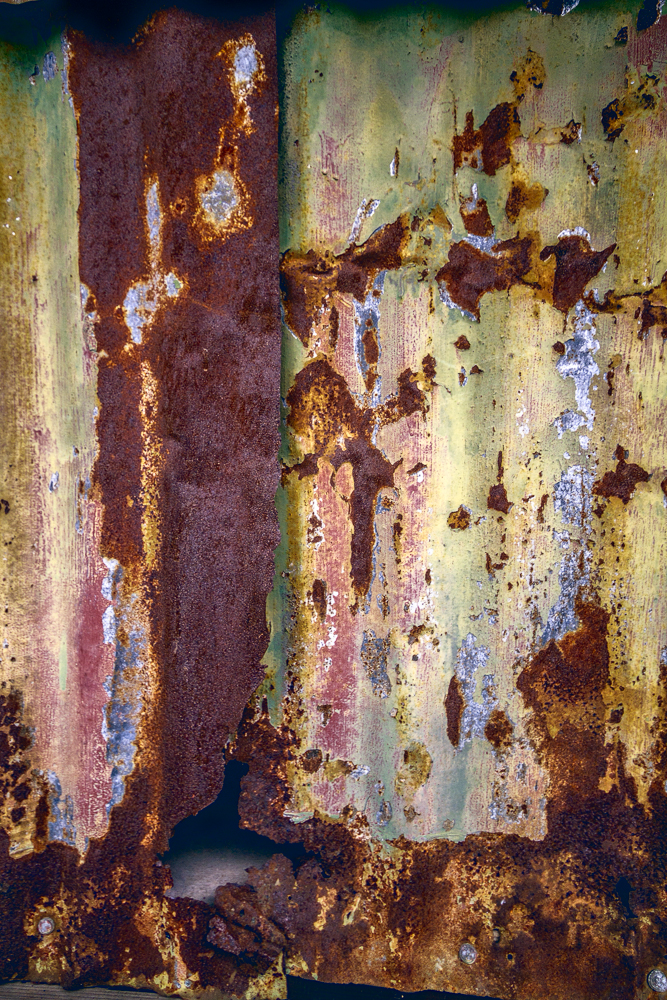
I’m a big fan of Topaz Labs and one of my favourite plugins in their collection is Topaz Restyle. This plugin has over 1,000 presets that allow you to easily