
Expressive Photographer Toolkit
Bring emotion, depth, and atmosphere to your photos with a guided video course and creative tools that make your images come alive.
Start making photos that express what you feel, not just what you see.
What's Included in the Toolkit
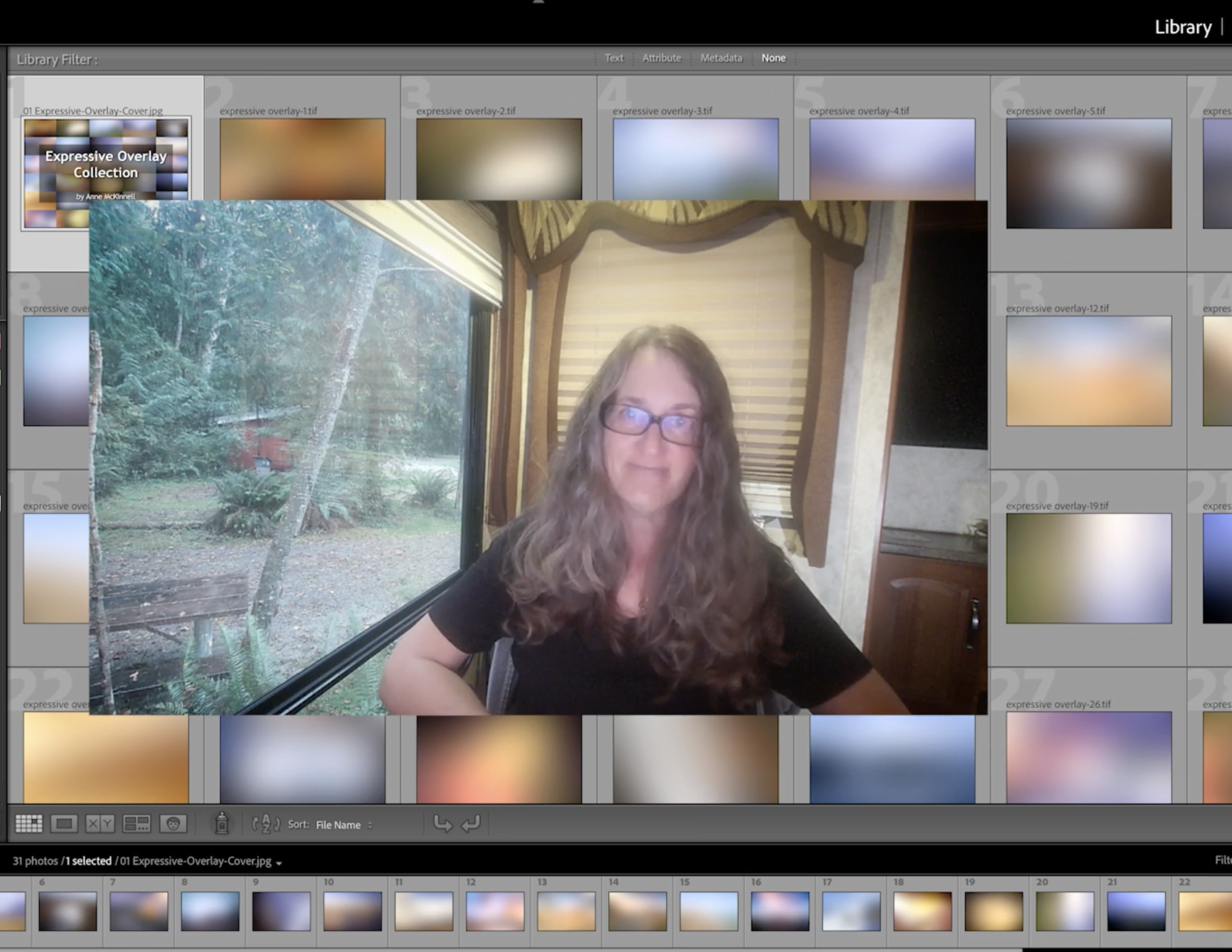
Video Course
One hour of video lessons showing you how to edit your photos in both Lightroom and Photoshop in a way that expresses the feeling of the scene. Step-by-step instructions on how to use all the tools in your toolkit.
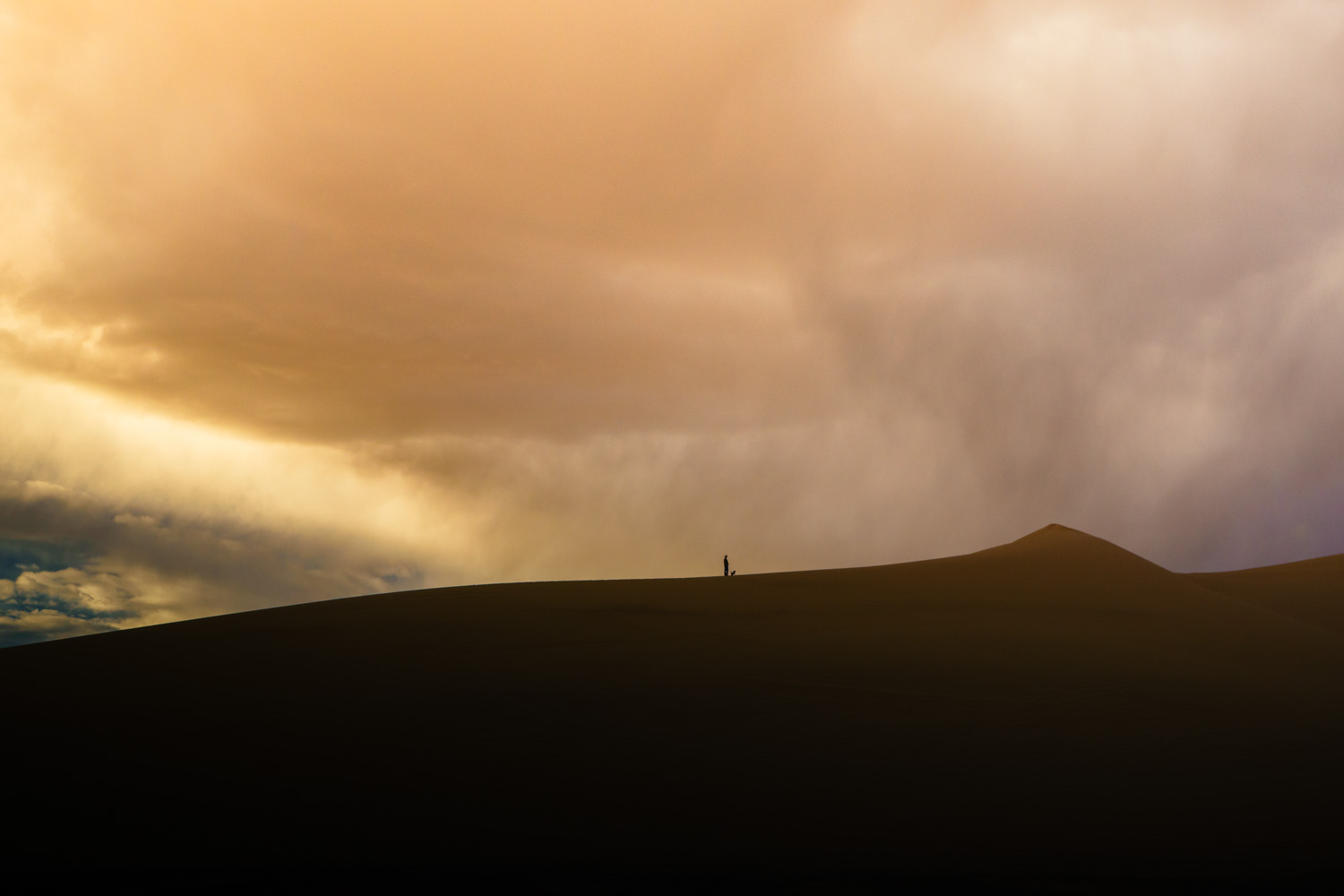
Colour Presets
10 Lightroom colour presets that instantly change the mood of your image.
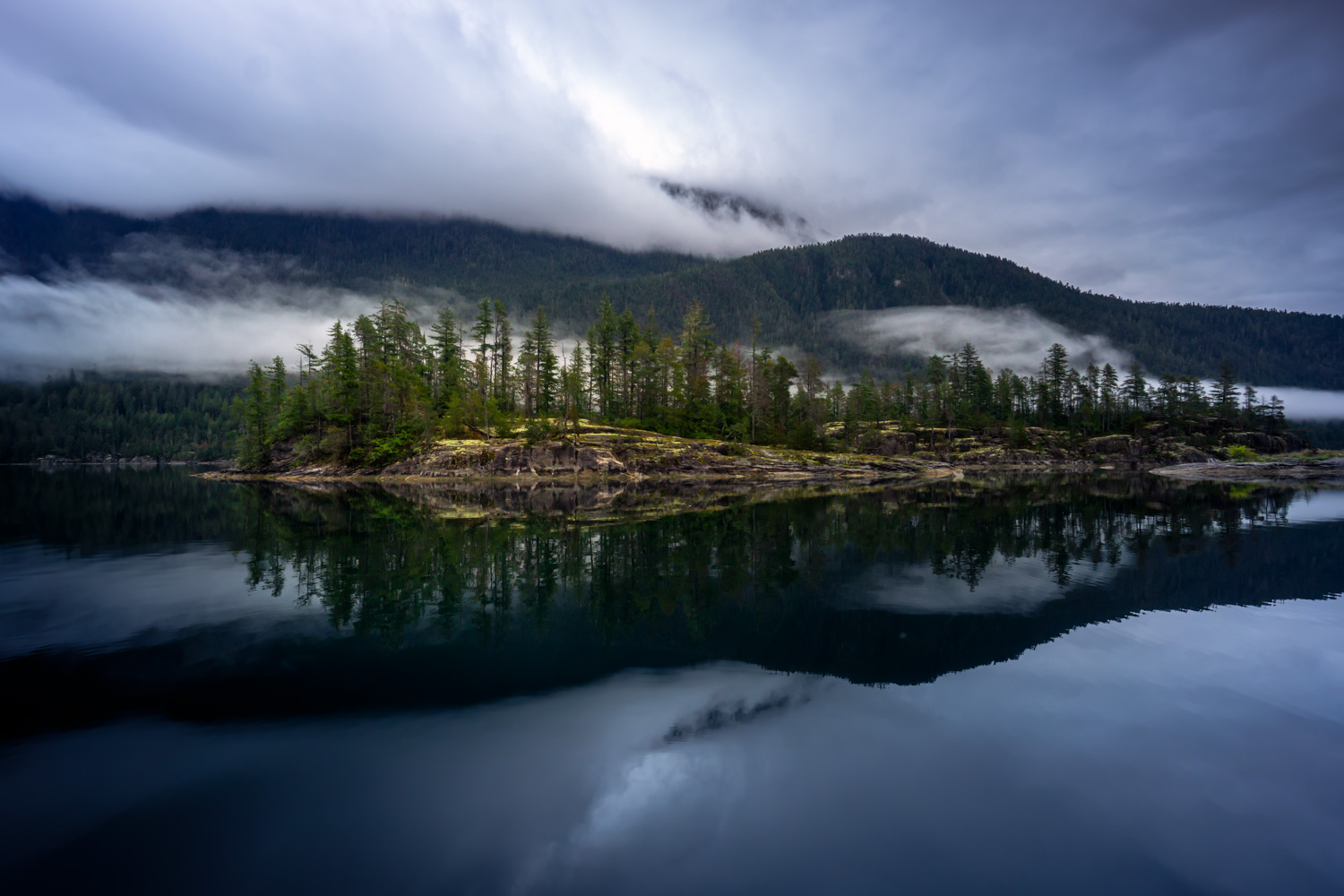
Light Effect Presets
10 Lightroom light effect presets that add contrast, dimension and atmosphere.
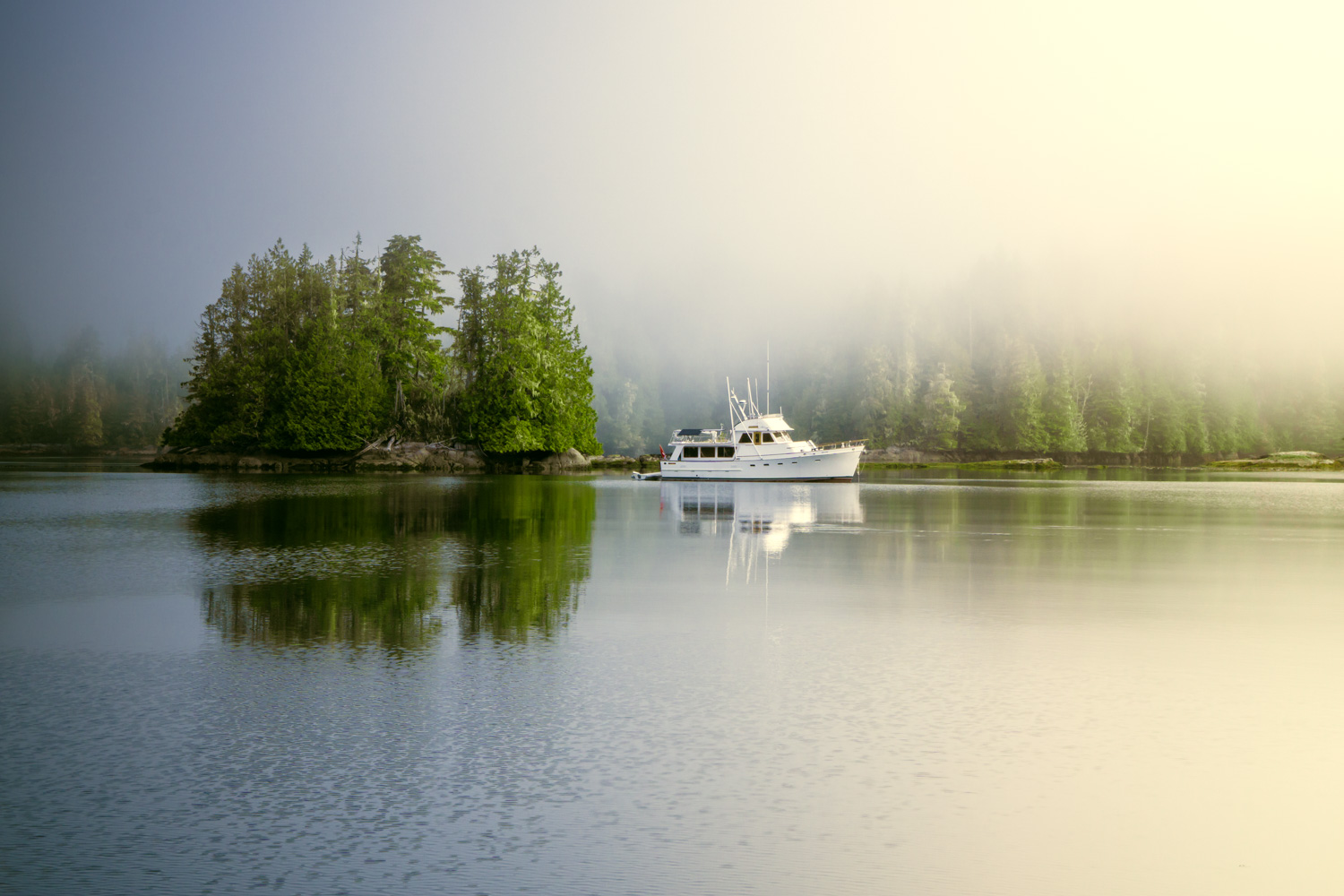
Preset Recipes
5 of my favourite combinations of colour and light effect presets.
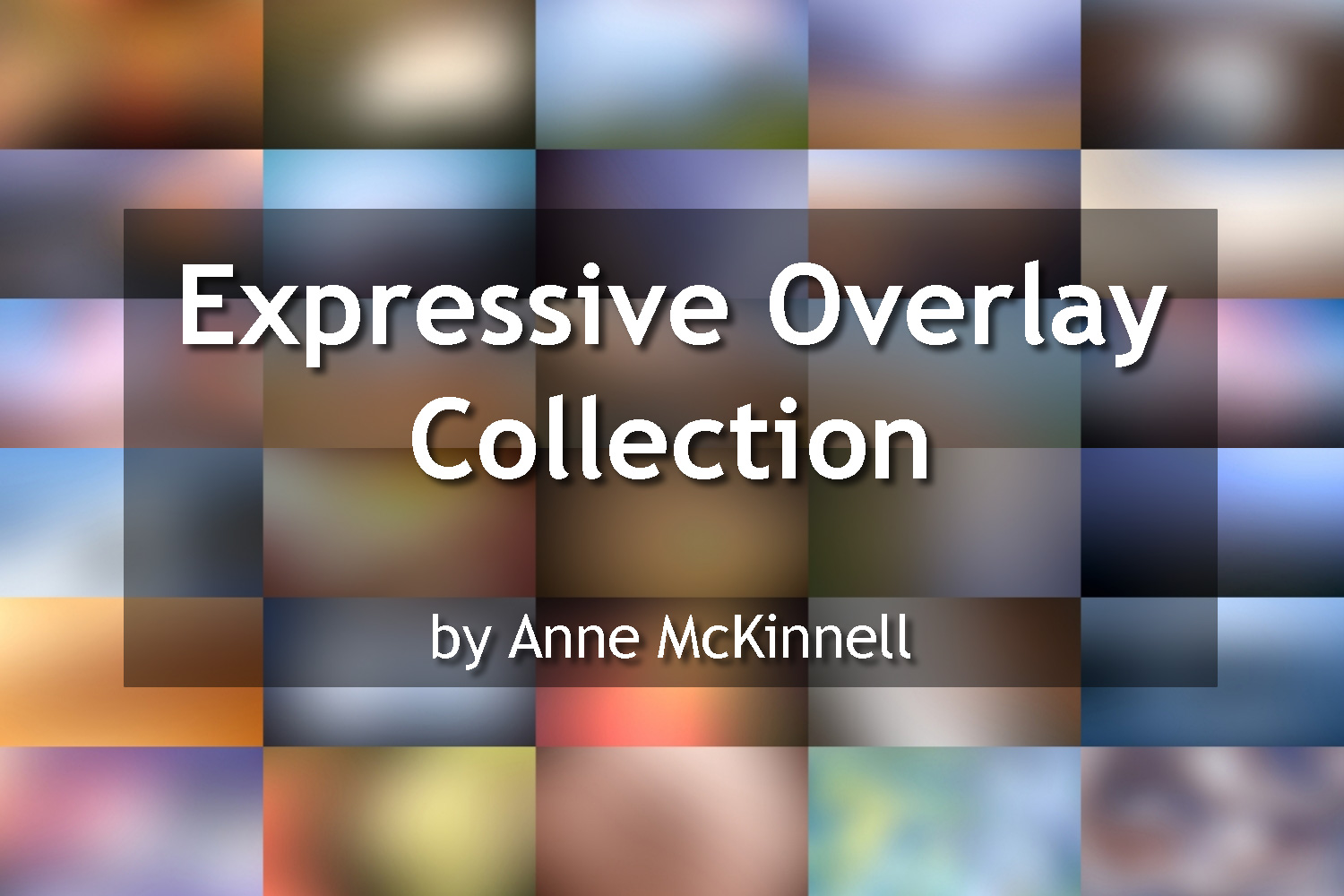
Colour Overlay Collection
30 colour overlays you can use in Photoshop, or any software that supports layers, to add both colour and light to your photos.
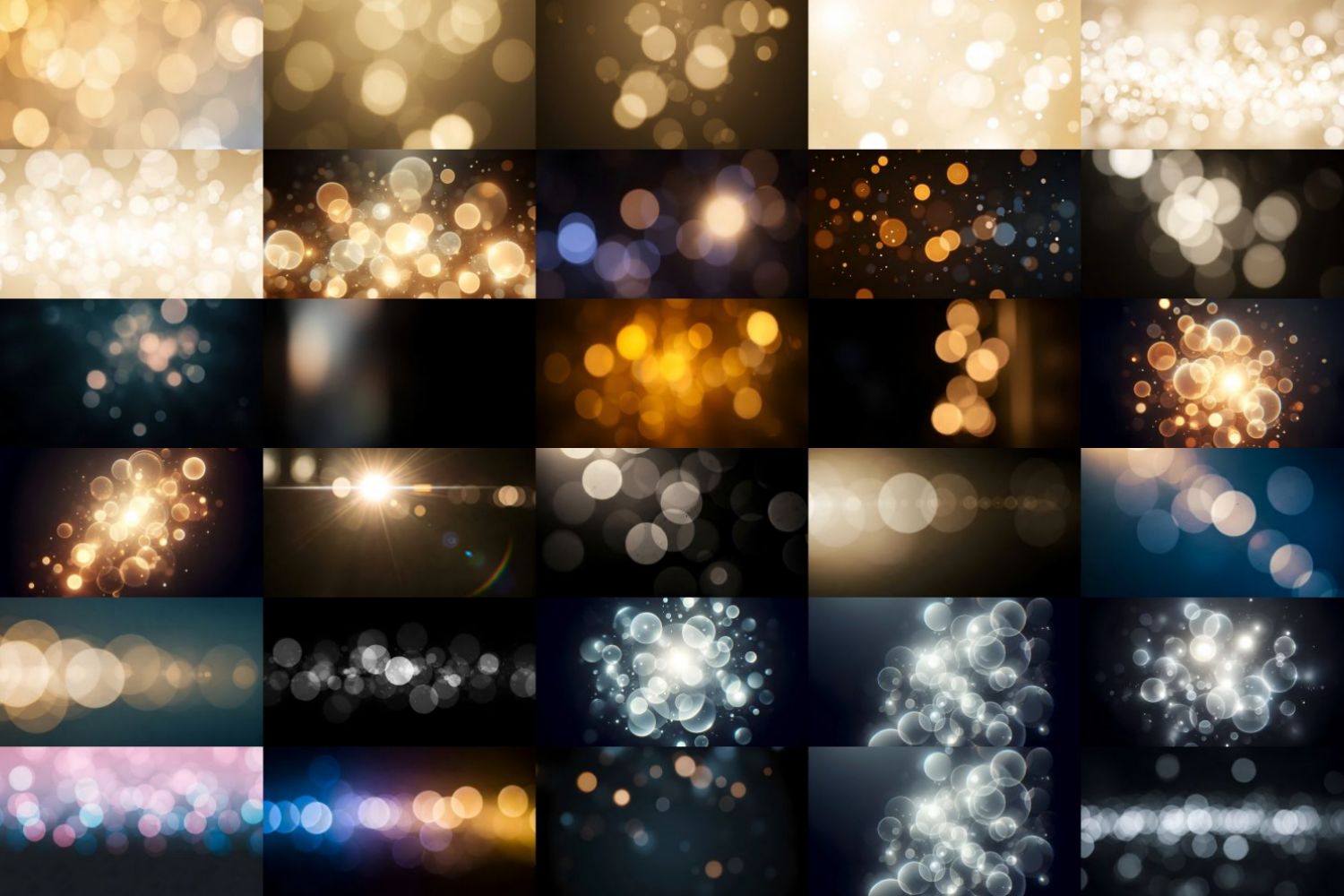
Bokeh Overlay Collection
30 bokeh overlays that will a little extra sparkle.
Easy installation with a full walkthrough video.
Presets compatible with Lightroom Classic, Lightroom CC, Lightroom Mobile, and Adobe Camera Raw.
Overlays compatible with Photoshop, Photoshop Elements, Luminar, On1, and other apps that support layers.
Not just another preset pack - this is a creative companion
The Expressive Photographer Toolkit was built to spark curiosity, not conformity. Every tool invites you to experiment, to shape light and color until the image feels like your own. It’s more than a set of looks - it’s a way to rediscover your creative voice and fall in love with the process again.
Edit with emotion. Create with intention.
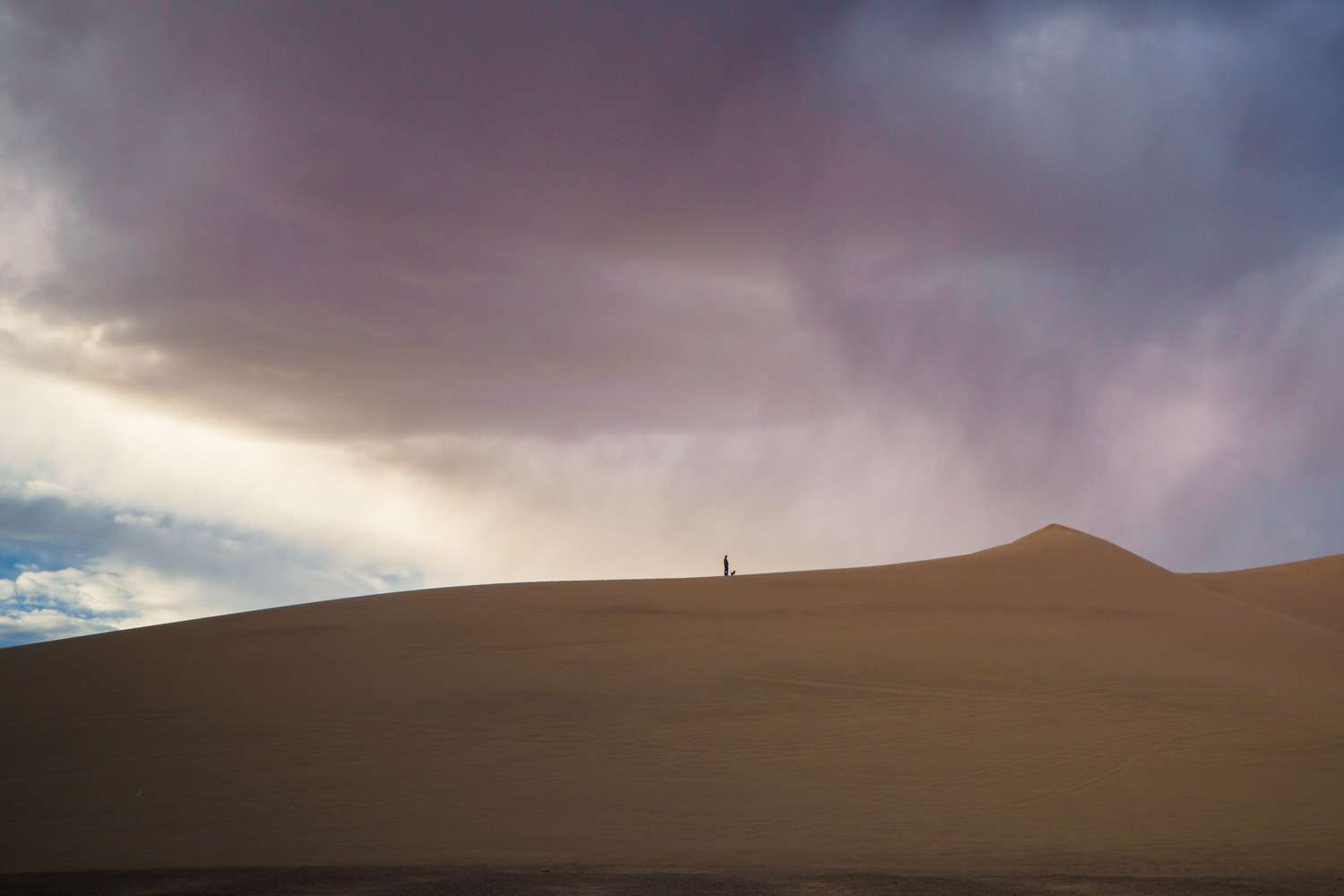
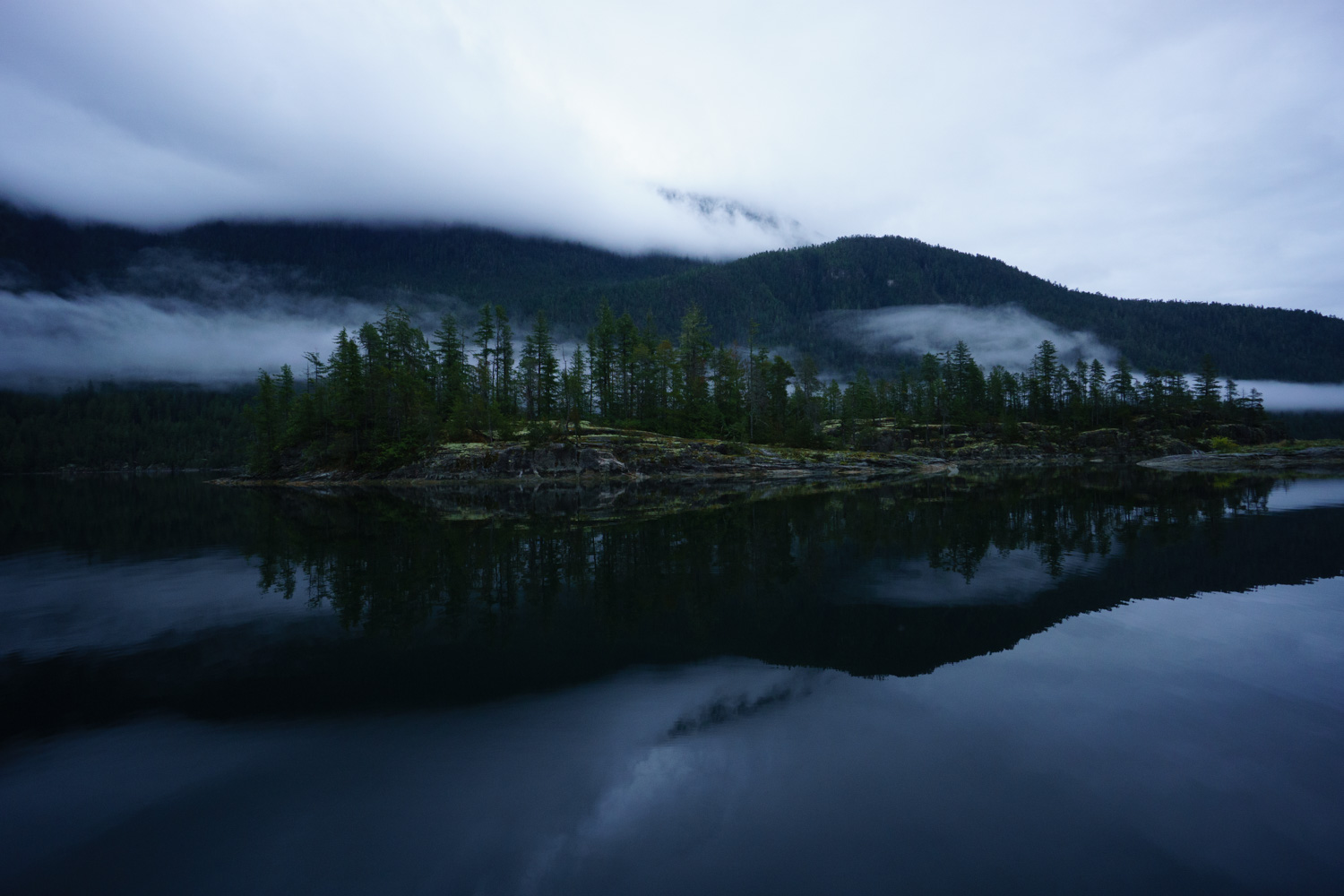
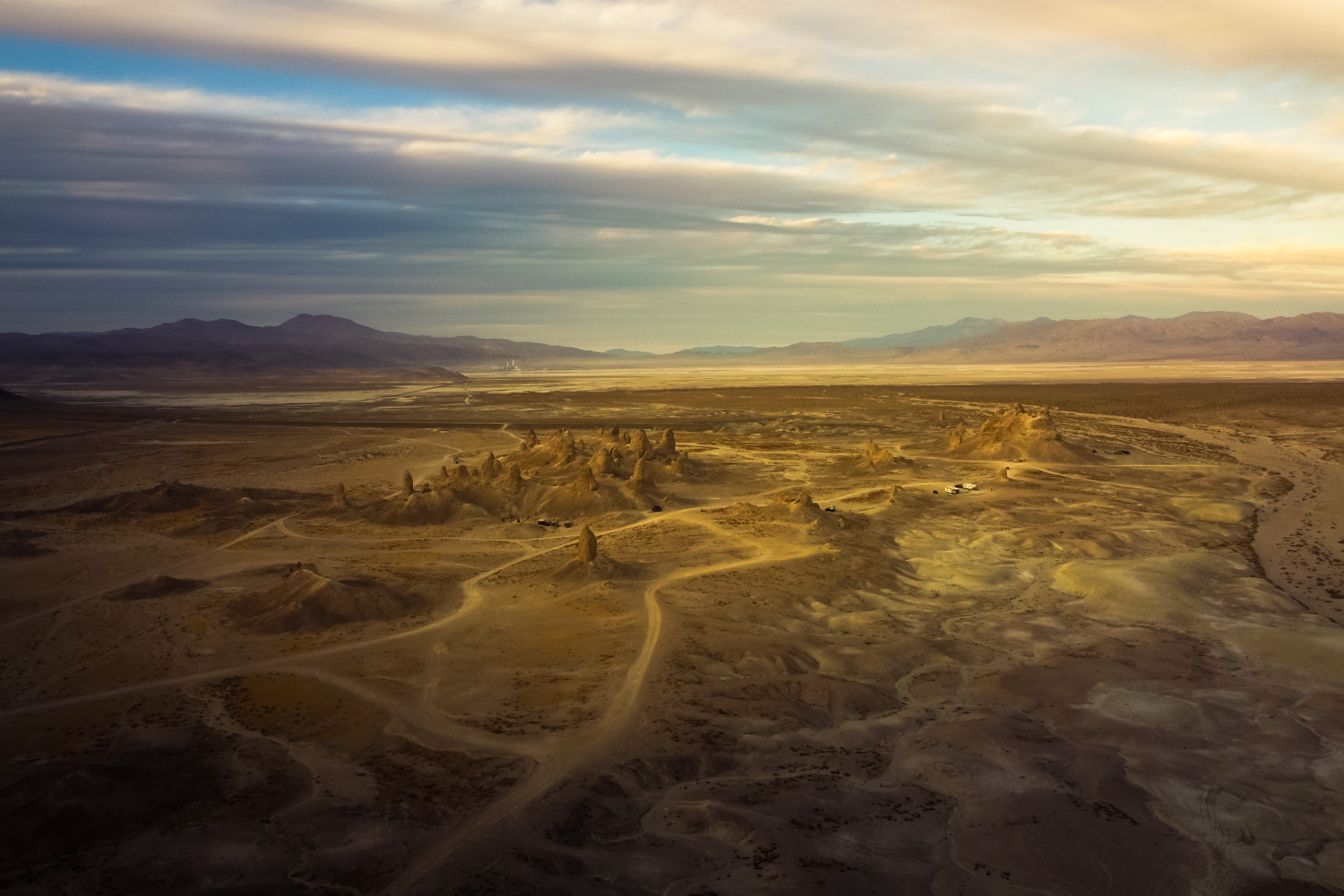
Real results created using only the tools from the Expressive Photographer Toolkit.
Before
Before
Before
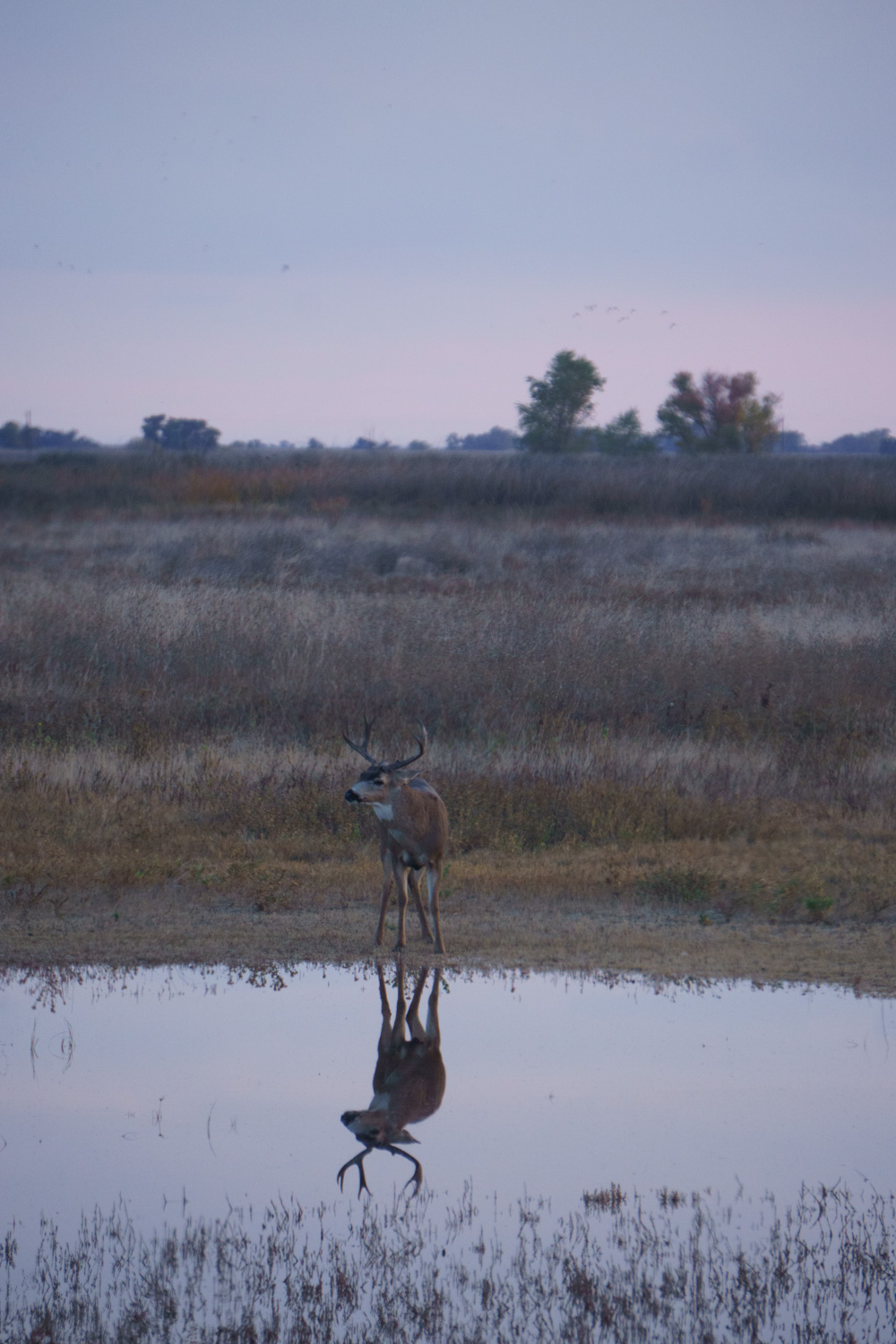
Before
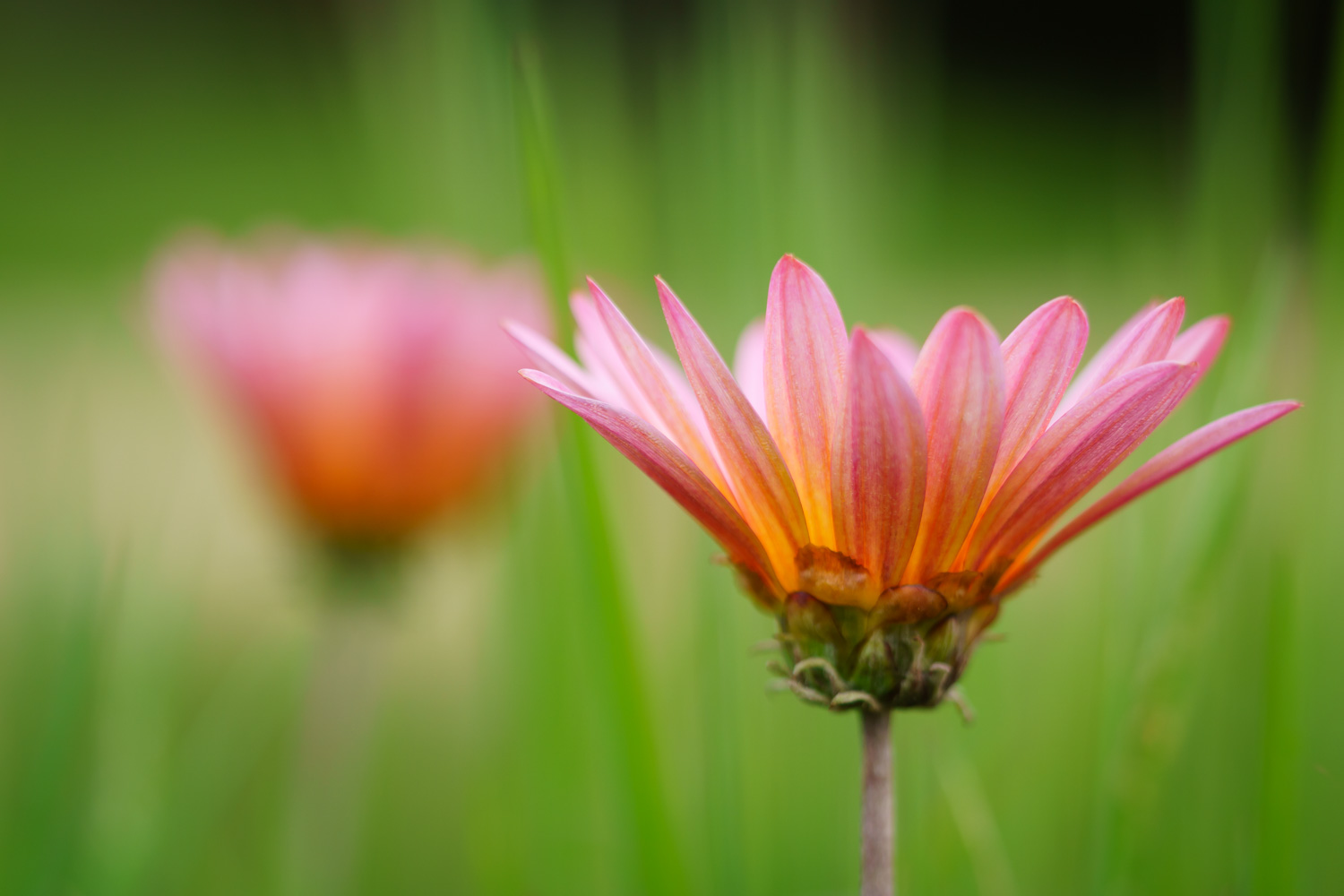
Before
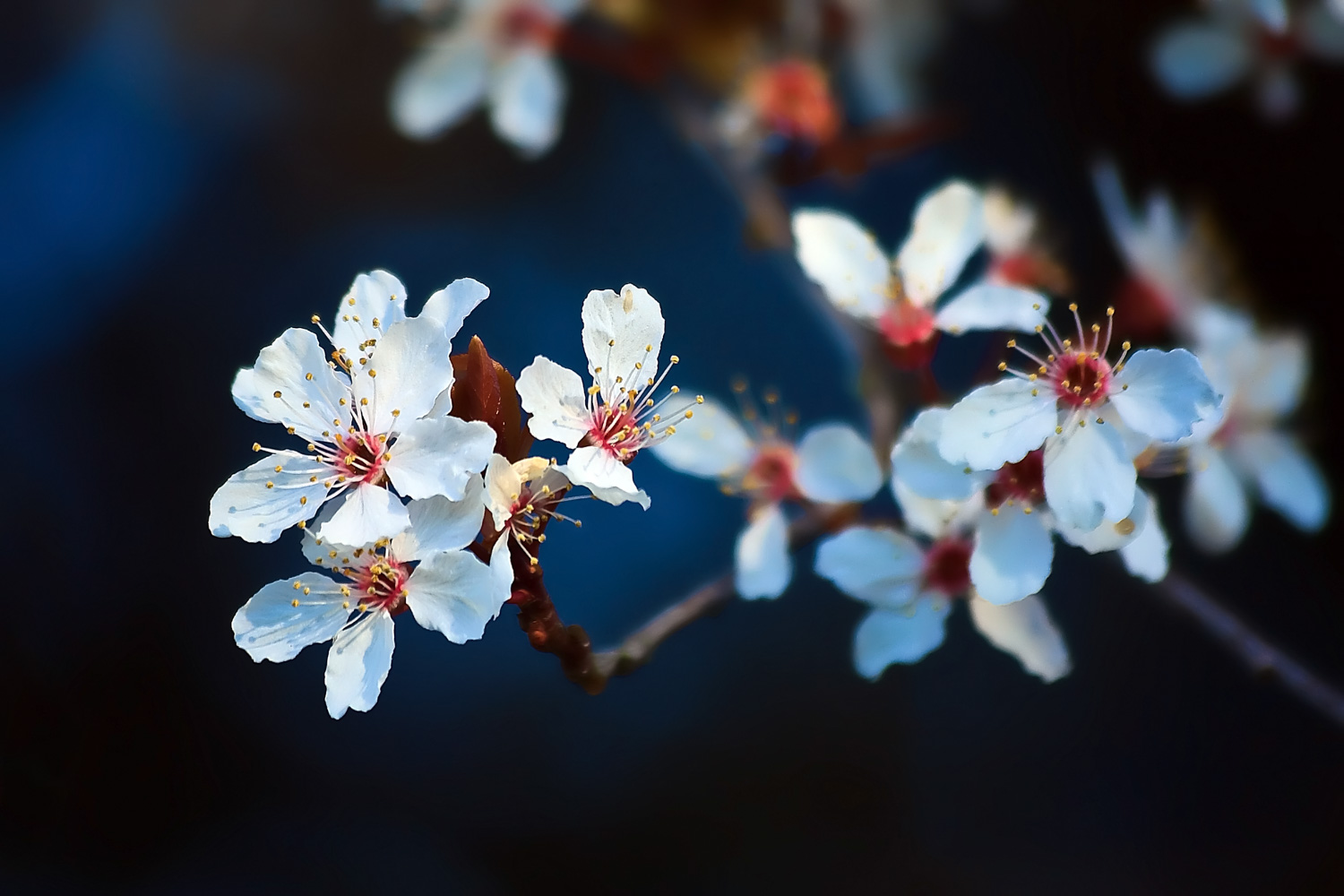
Before
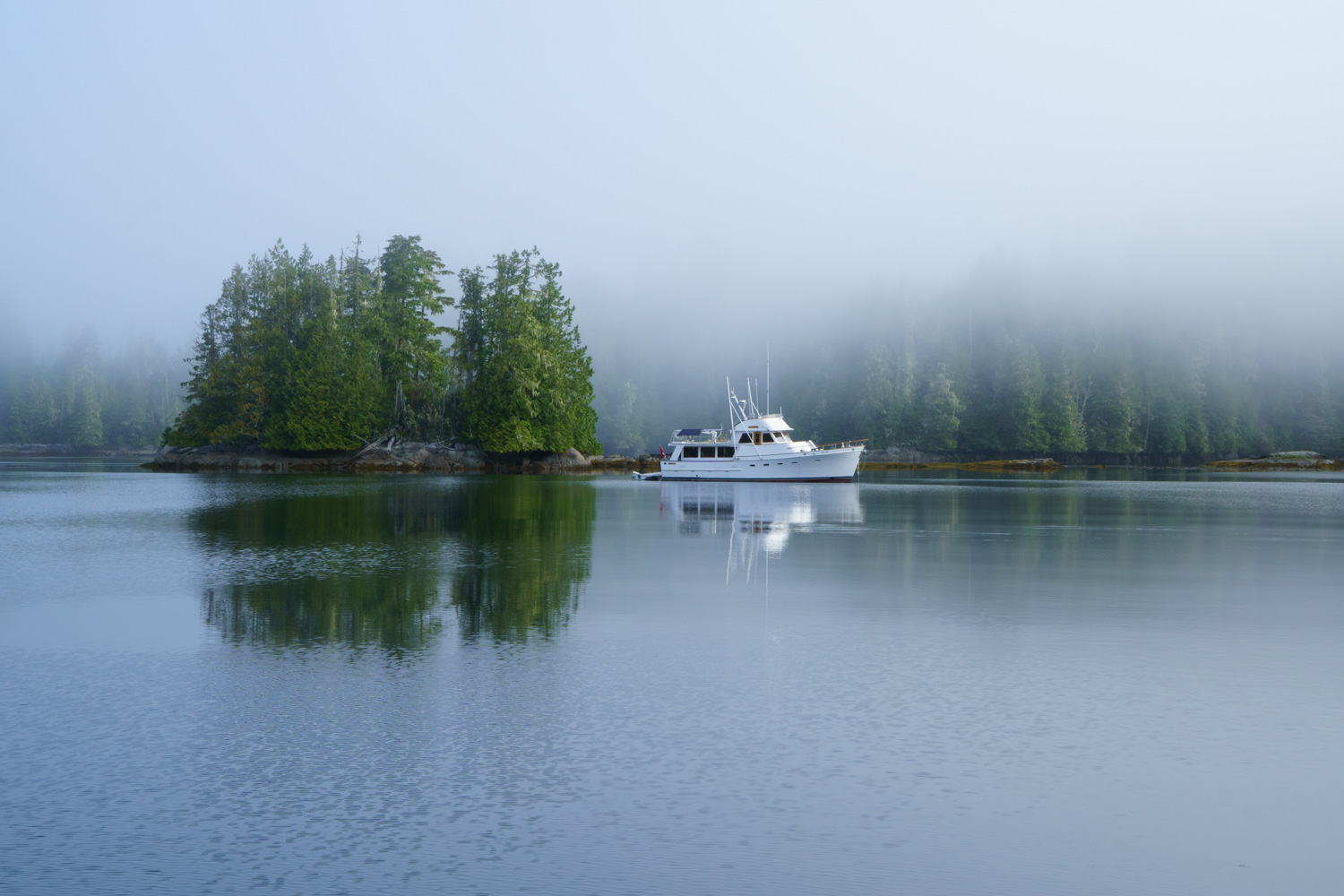
Before
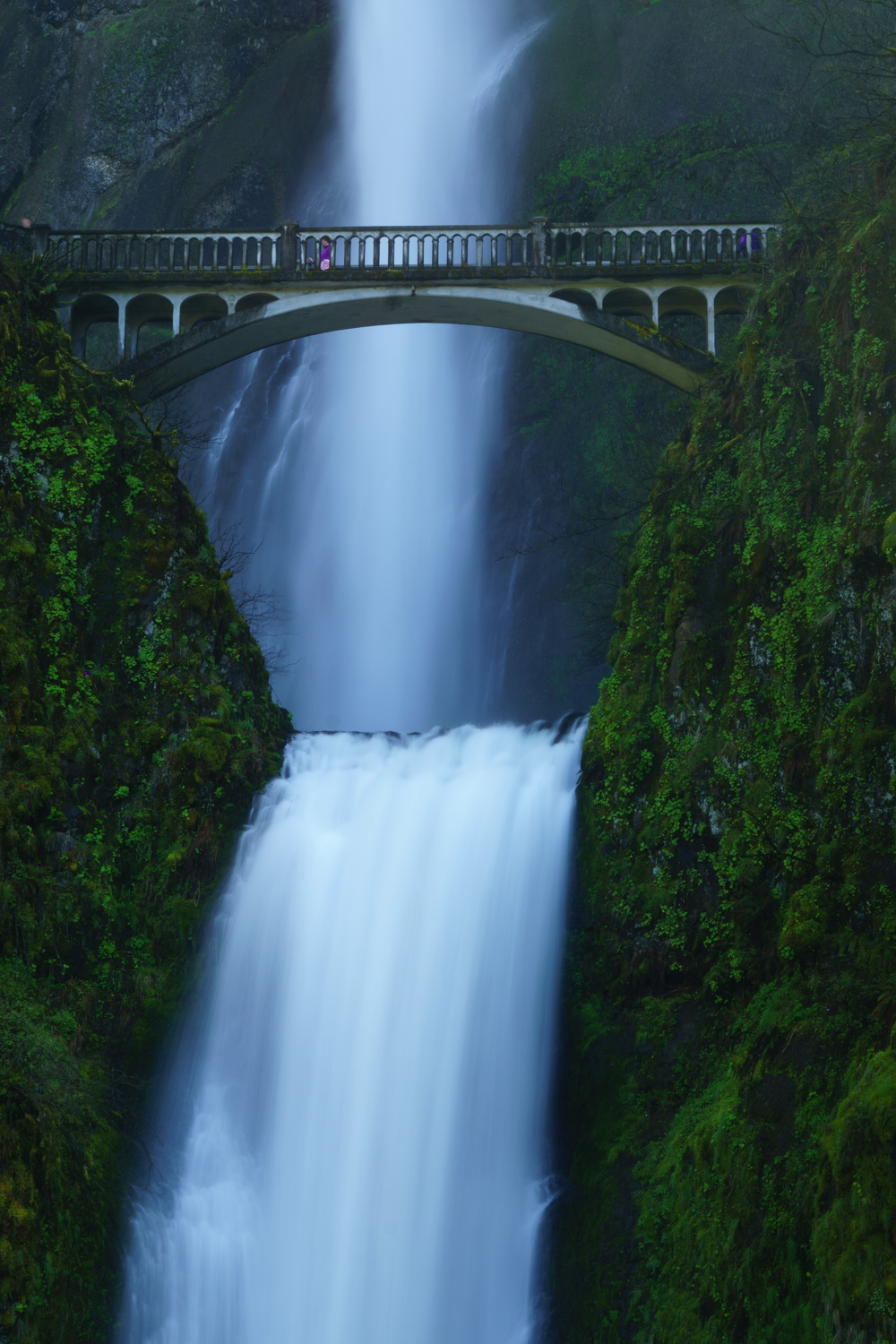
Before
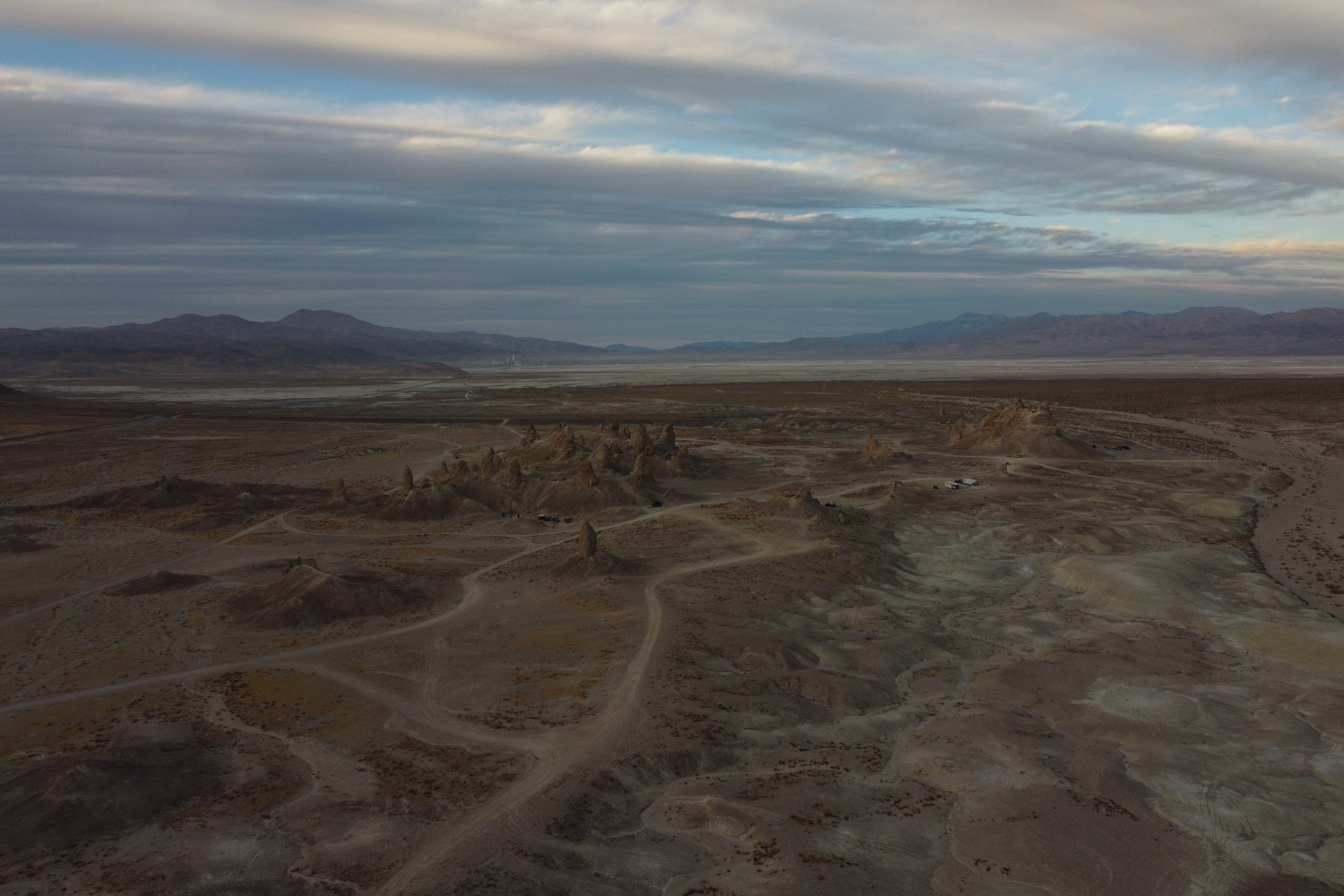
AFTER
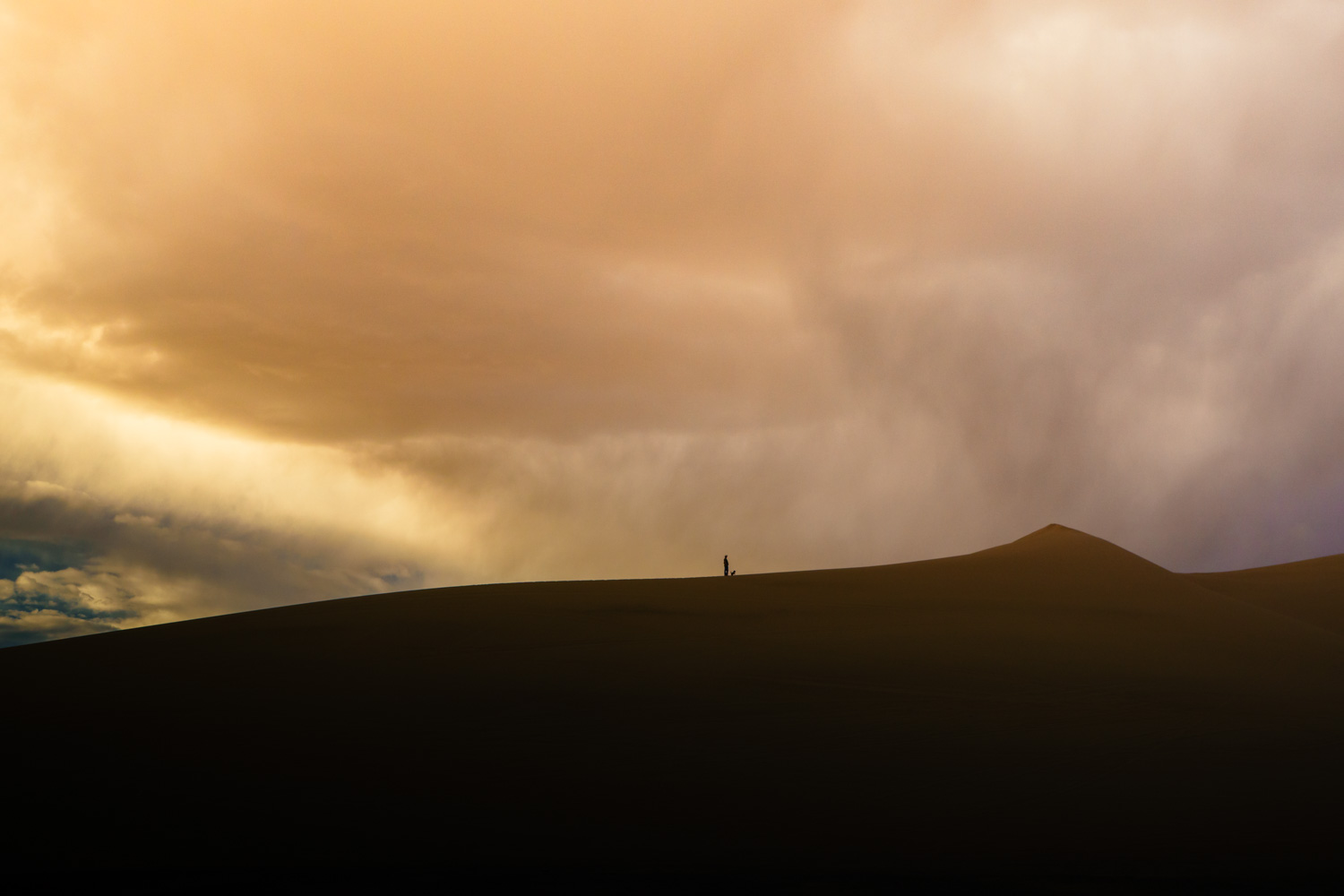
AFTER
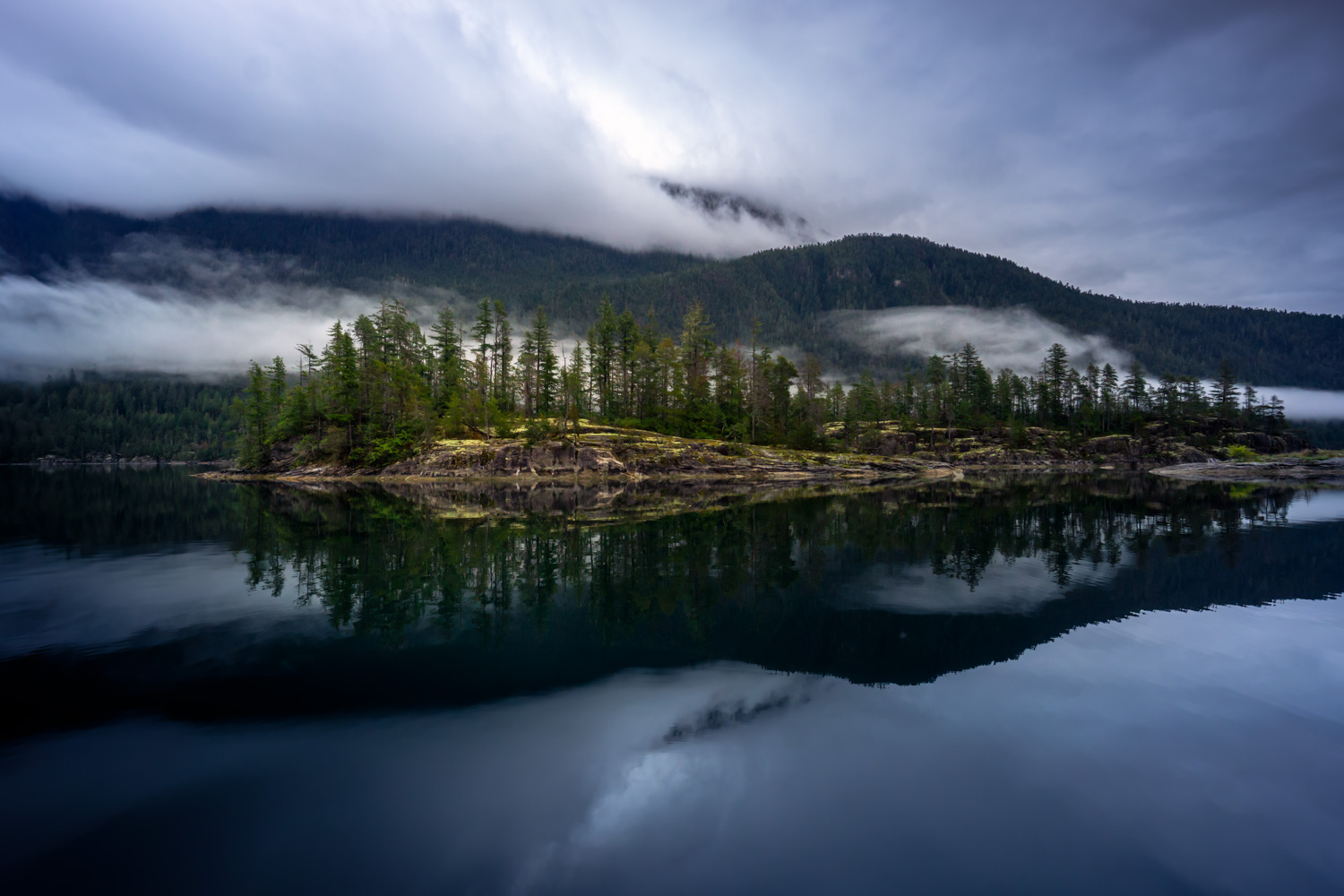
AFTER
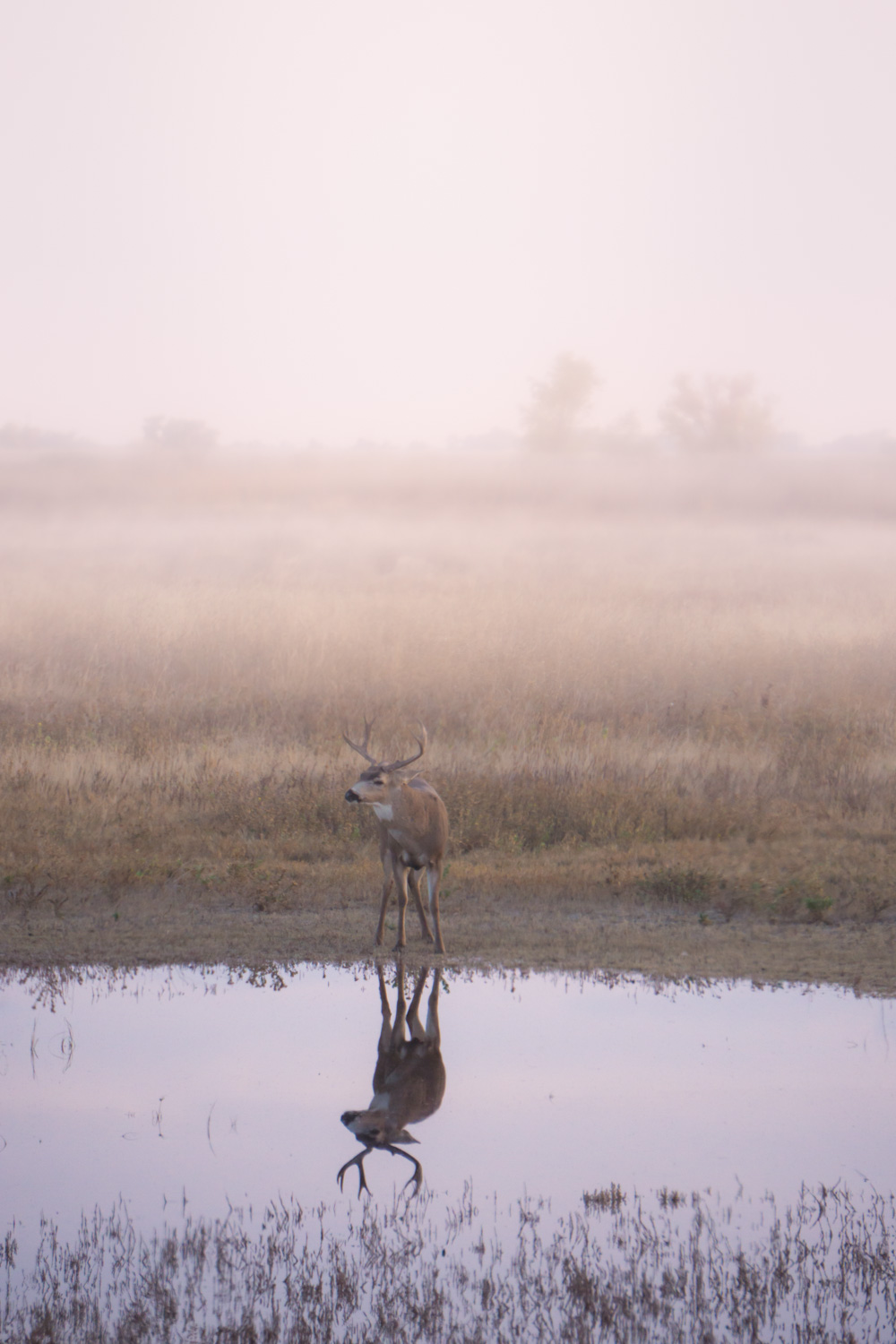
AFTER
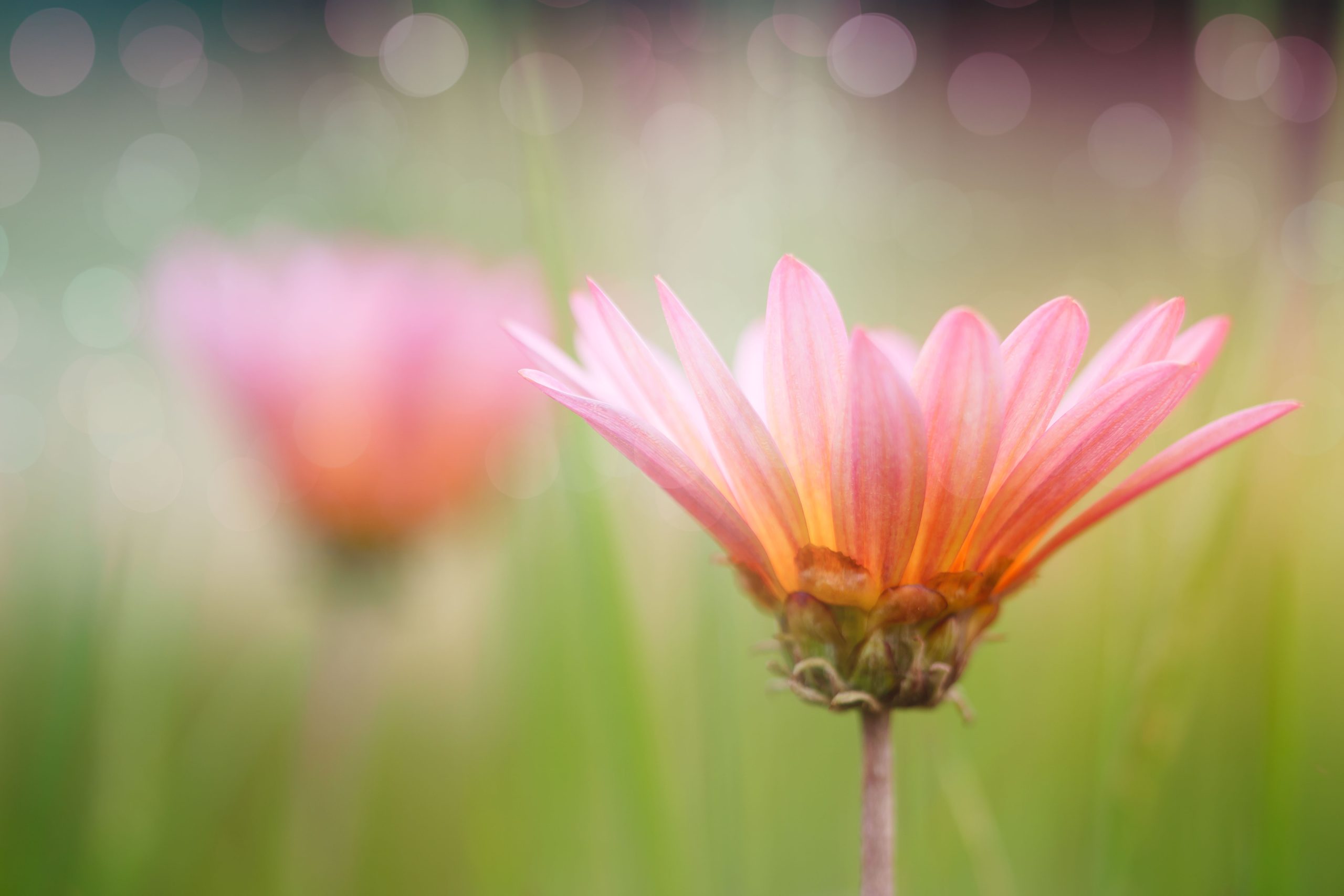
AFTER
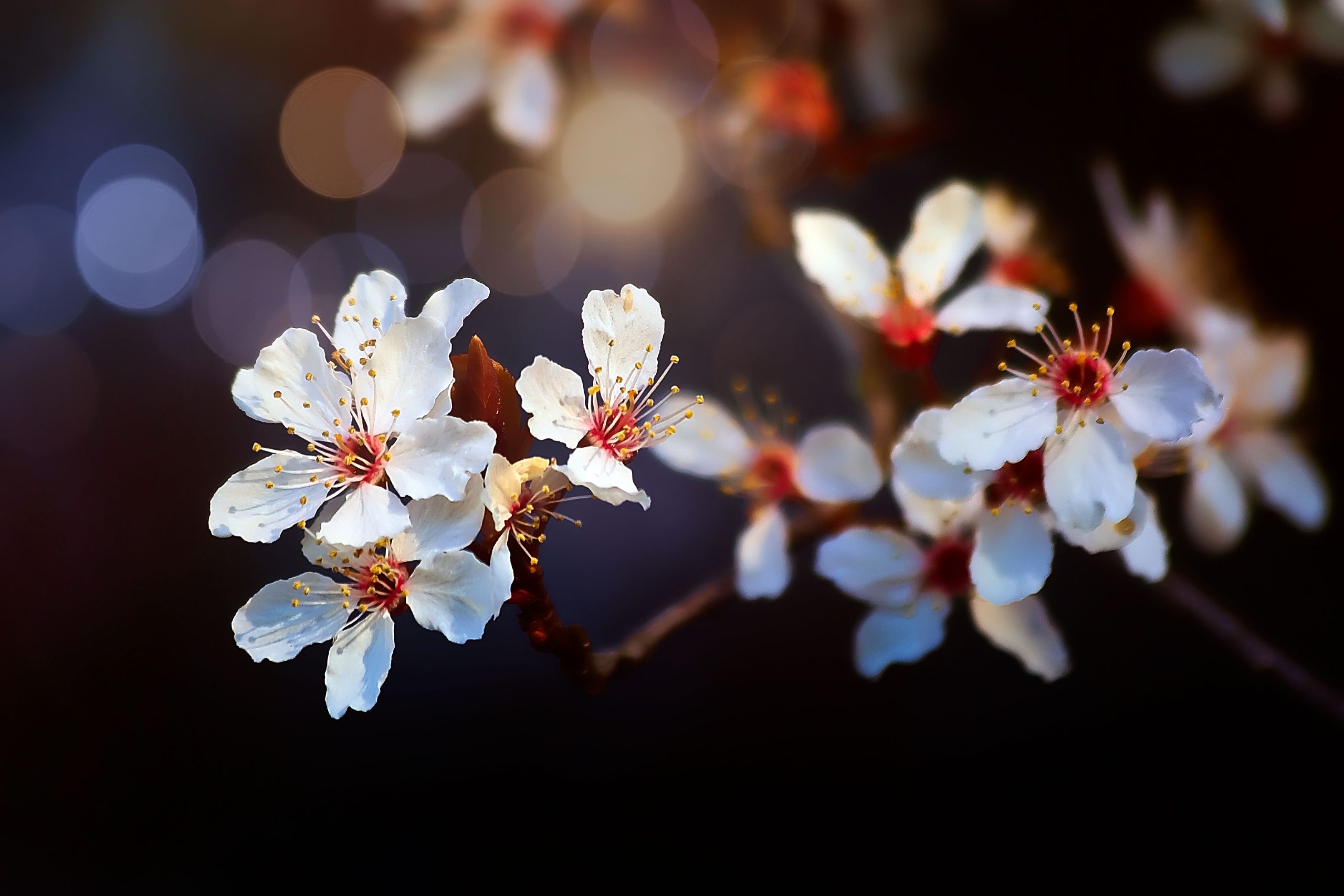
AFTER
AFTER
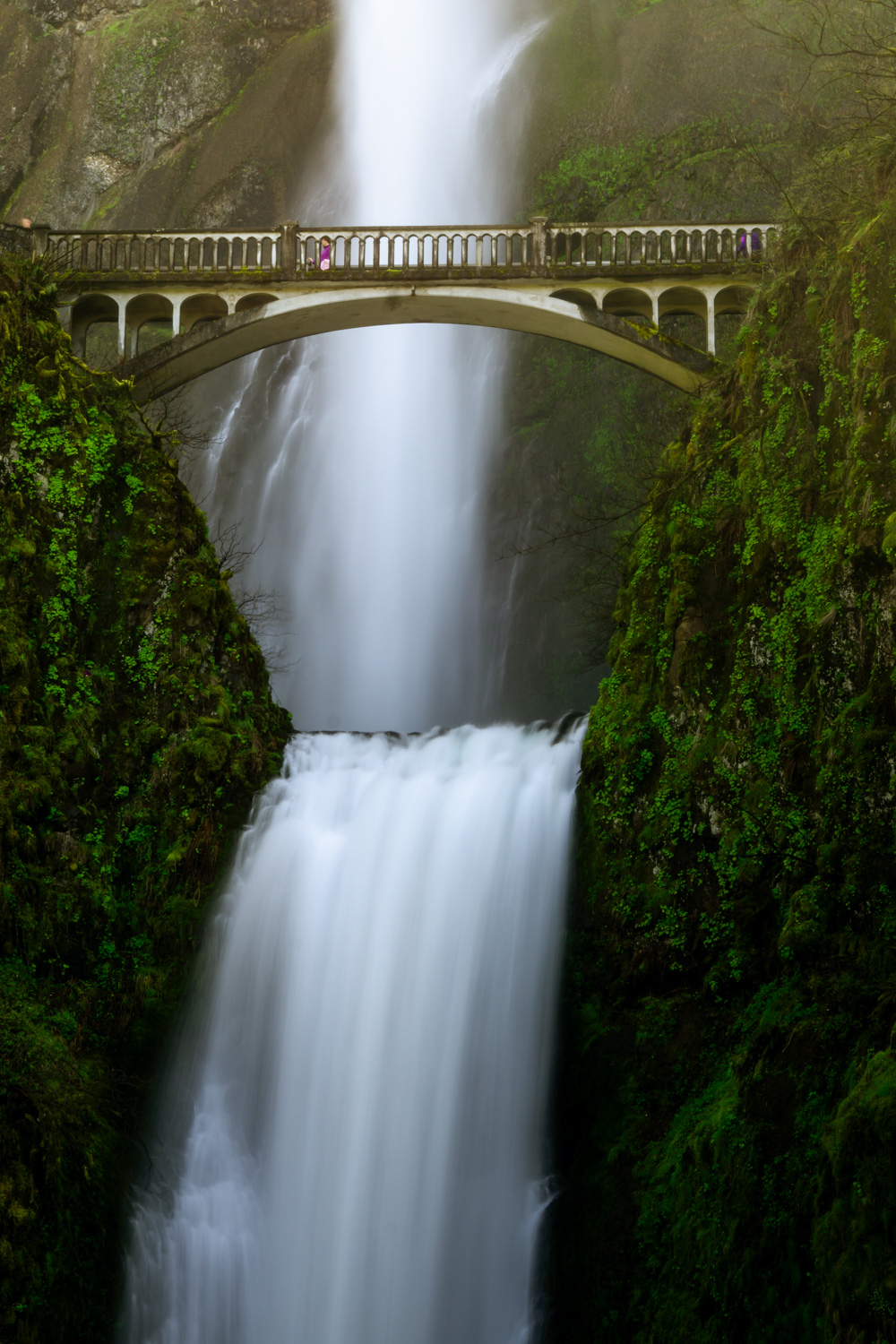
AFTER
Hi!
I'm Anne
Photography is the tool I use to see the good in the world.
I traded in a traditional career to become a full-time nomadic photographer. I was able to leverage my skills in business and technology, and my passion for photography, to build a new career.
I split my time between land and sea: winters exploring the deserts in my RV and summers cruising the coast aboard my trawler, always chasing beautiful light across North America. I write about travel, photography, and how changing your life is not as scary as it seems.
Anne
Why choose me?
People like my teaching style. They say I can take complex topics and make them easy to understand without using a lot of “techno lingo.” My style is to communicate only what is necessary and get to the point. There is no fluff.
Turn ordinary edits into expressive art
25 Lightroom Presets
60 Photoshop Overlays
Detailed step-by-step Video Training
Faq
The course is 50% Lightroom and 50% Photoshop (or other software that supports layers).
Not at all. The Expressive Photographer Toolkit is designed for all levels. The guided videos walk you through each step, so you can start creating expressive edits right away. No steep learning curve required.
Installation is quick and easy. The first video inside the toolkit shows you exactly how to install everything so you can start editing within minutes.
Yes. All files and presets are fully compatible with both Mac and Windows versions of Lightroom and Photoshop.
Yes. They work beautifully on both RAW and JPEG images, though RAW gives you the most flexibility when fine-tuning your edit.
It’s a one-time purchase. Once you buy the toolkit, you own it for life and can use it on as many photos as you like.
No. Your license is for personal use only, but you can absolutely use them on photos you sell or share as part of your own creative work.
You can pay with PayPal or with a debit or credit card.
Note: if you want to pay by debit or credit card, click the main "Pay with PayPal" button on the checkout page. Don't worry, you don't need a PayPal account. On the next page, click "Checkout with Debit or Credit Card." You'll need to enter an email address. If you do not want a PayPal Account make sure you toggle the switch that says "Save Info and Create Your PayPal Account" to the off position. (That's rather sneaky of them, isn't it?)